Now Playing
Every song gets a cassette
The hubs spin, the tape winds from reel to reel as the song plays, and a spectrum visualizer dances underneath. Your queue sits right beside it.
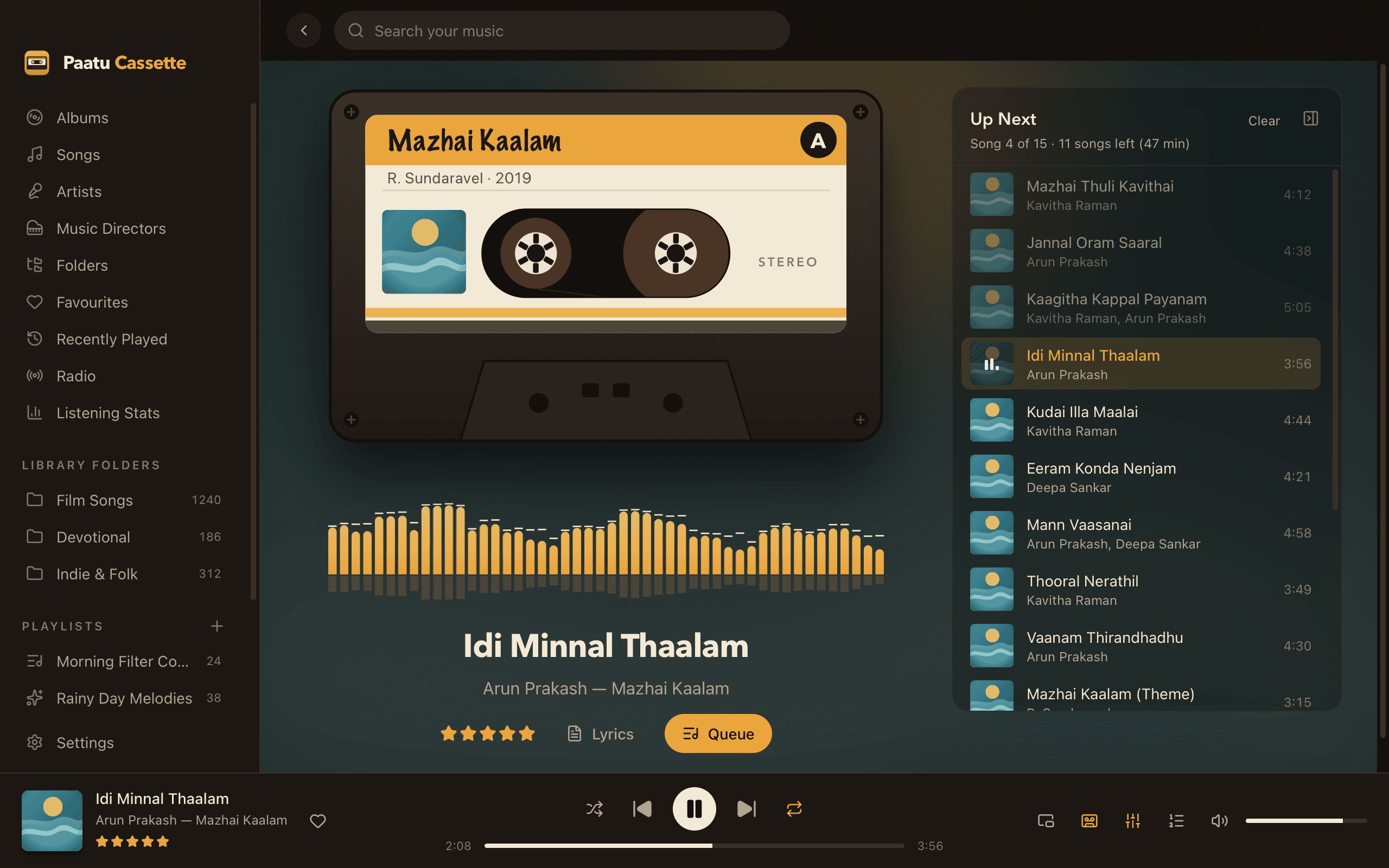
Real tape motion
The tape packs grow and shrink with the song’s progress.
Side A, Side B
Albums are split into two sides by length, and the cassette shows the side that’s playing.
Visualizer
Spectrum bars under the cassette move with the music.
Up Next beside it
See what’s coming, jump to any song or remove one with a click.
Lyrics
Swap the queue for synced lyrics that follow the song.
Picks up where you left off
Your queue and position are remembered between launches.
Listening that feels like an event
Remember turning a tape over? Paatu Cassette brings that feeling back. Each album gets a cassette with its cover, artist and year on the label. Albums can also be shown as cassettes in Cassette mode, with Play side A and Play side B buttons.
Mixtapes get their own label and colour, and the cassette flips from Side A to Side B mid-way. Radio stations play on a LIVE tape.
Help
Learn how to use it
Related
Goes well with
- MixtapesMixtapesPick a C-60, C-90 or C-120 and fill both sides. Paatu Cassette keeps the timing honest and flips the tape for you.
- PlaybackCrossfade, gapless & levellingCrossfade between songs, keep albums gapless, and bring loud and quiet recordings to the same level.
- LyricsSynced lyricsPut a .lrc file next to a song and the lyrics follow the music line by line. Click any line to jump to that moment.
Press play on your own music.
Free download for Mac. Your songs stay on your Mac, exactly where they are.
Free · macOS 11 Big Sur+ · Apple Silicon (M1 or later) · Windows coming soon